
Token boards · First–Then · Step routines
Make the deal visible.
The child sees what they are working toward, and exactly how close they are. Build a board in under a minute, turn the screen around, and start tapping.
- No account
- No ads
- Works offline
- Stays on the device
The shoes need to go on. The screen needs to go off.
You have said it three times. The fourth time is not going to work either. A token board changes the conversation from a demand into a deal — one you can both point at.
Three boards, one for each kind of hard
Start from a template or build your own. Every board runs the same way: big, quiet, and operable with one hand while you are supporting a child.
Token board
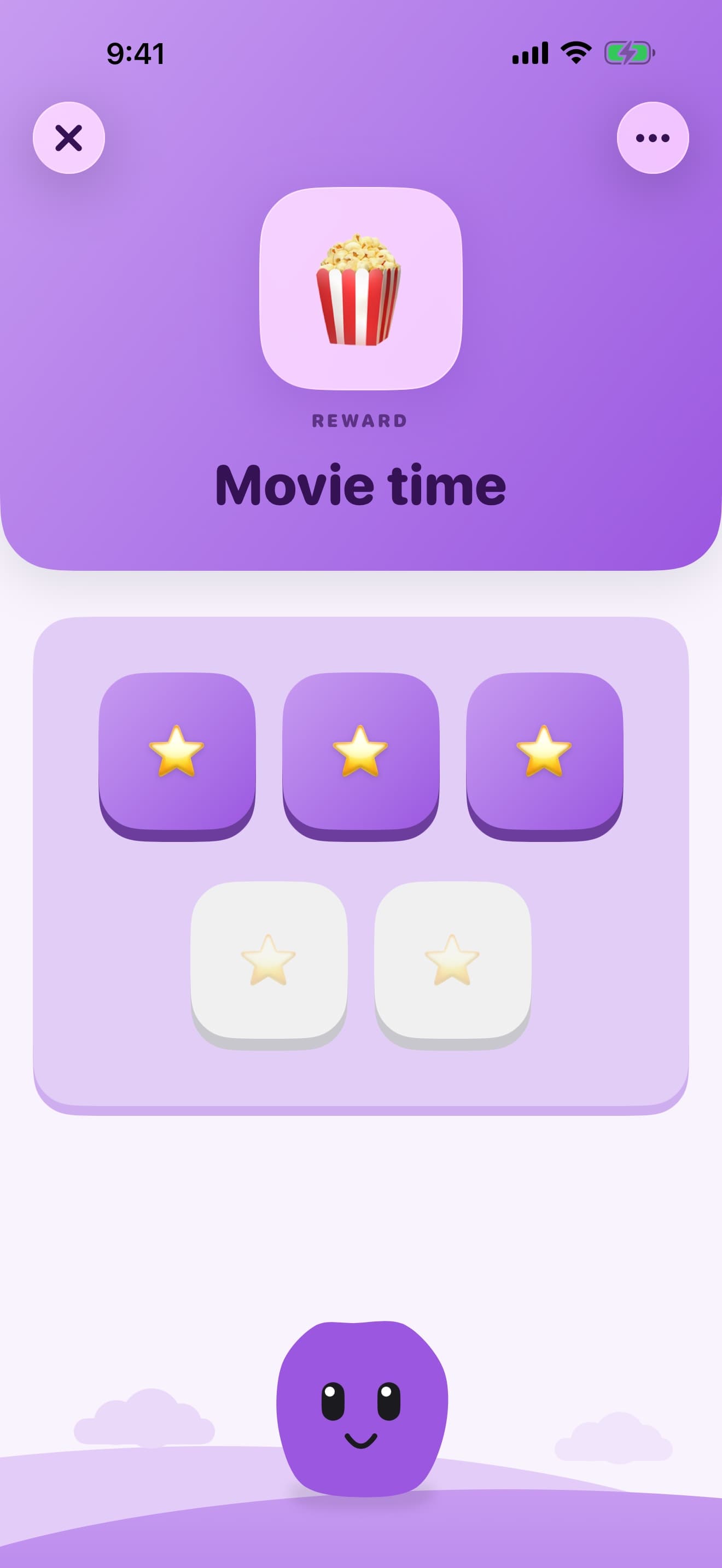
Earn five stars, then the trampoline
Pick how many tokens it takes and what they are working toward. Tap a token each time they earn one. The board fills up in front of them.
- 1 to 10 tokens per board
- A photo, emoji or symbol for the reward
- Undo a tap without breaking the moment
First–Then
One clear next step for a hard transition
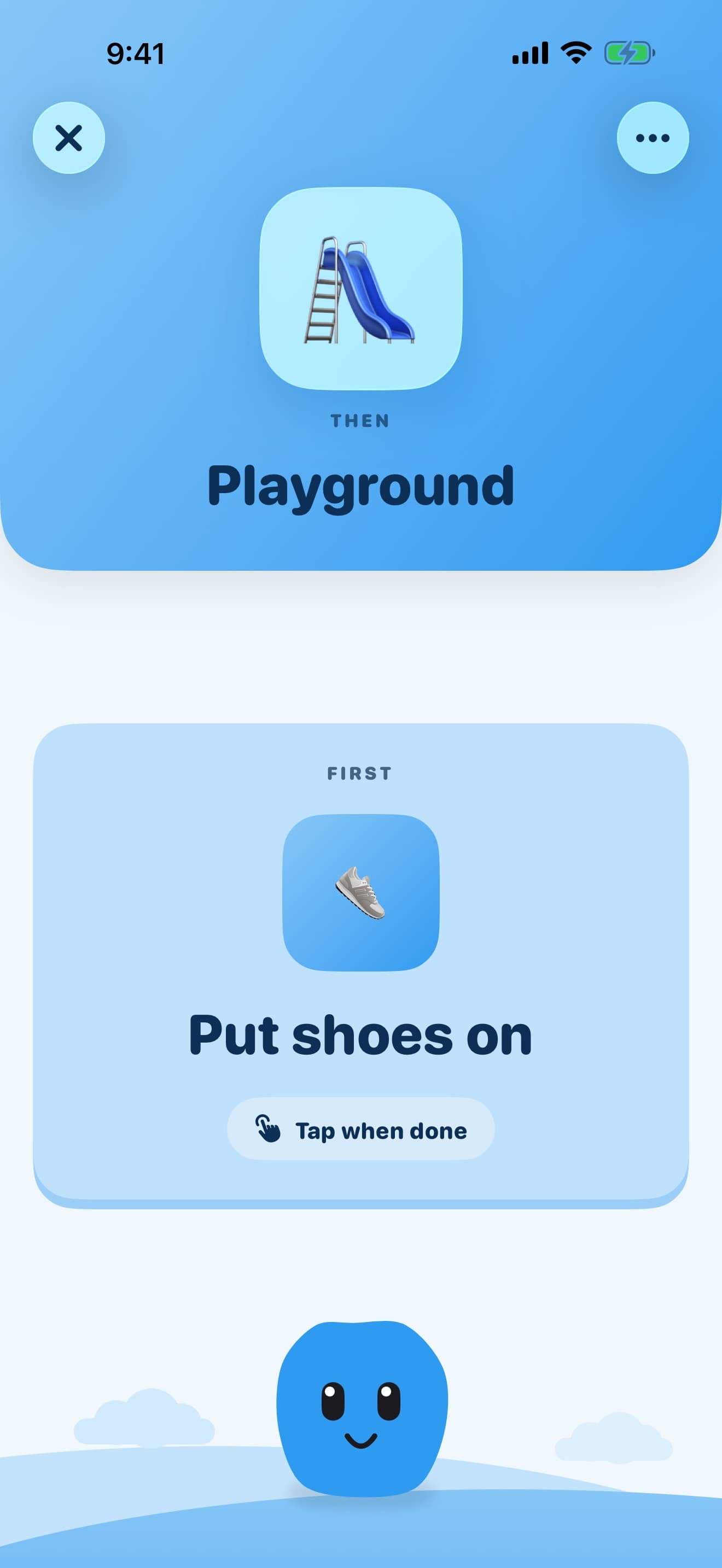
When the whole routine is too much, show two things and nothing else. First the task. Then the thing they are waiting for.
- Two cards, no other choices on screen
- Big enough to read across a room
- Tap when done, and the board closes
Step routines
Bedtime and mornings, broken down
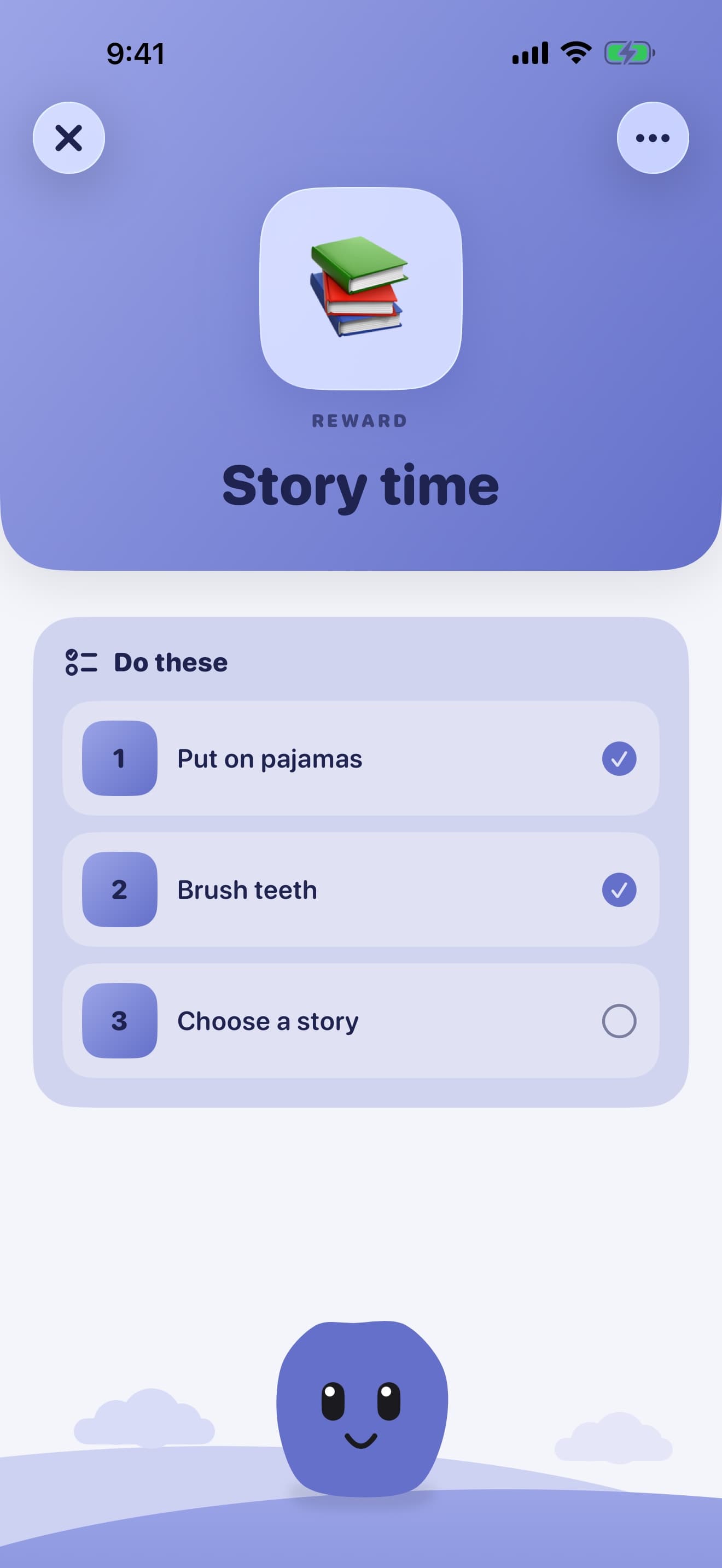
Long routines become a short list of steps that get ticked off one at a time, so nobody has to hold the whole sequence in their head.
- Steps in the order they actually happen
- One step highlighted at a time
- Ready-made routines you can edit
Designed for the moment it is needed
Not for a planning session at the kitchen table. For the thirty seconds before the next transition goes sideways.
A board in seconds
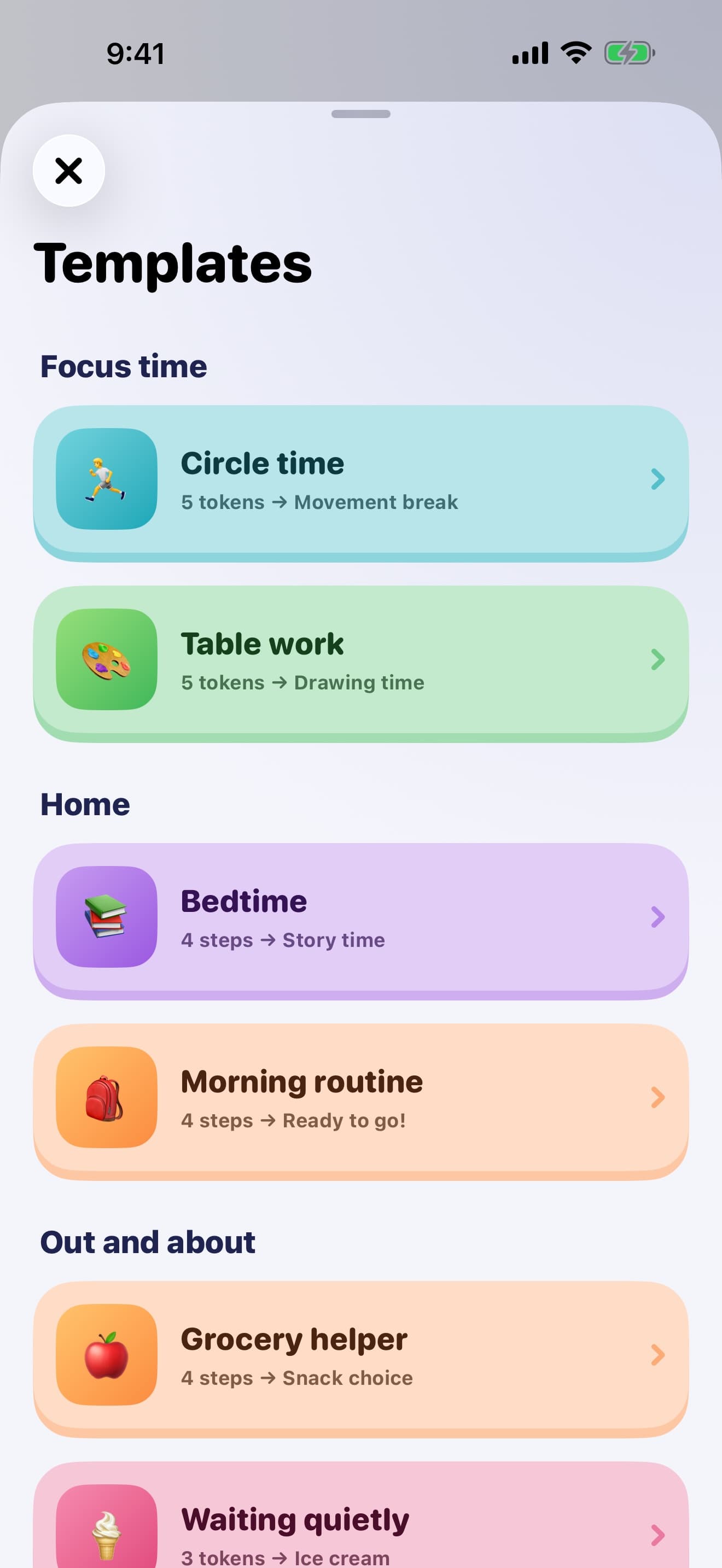
Practical templates for focus time, table work, transitions, bedtime, mornings, errands and waiting. Pick one, change the reward, go.
Built for one hand
Every control you need during a session is reachable with a thumb, because your other hand is usually busy.
A photo of the real reward
Use the actual toy, the actual snack, the actual playground. For a child who does not read yet, a photo does the work a word cannot.
Undo without breaking the moment
Tapped one too many? Take it back quietly, without a dialog or a fuss in front of the child.
One place per learner
Save boards to a profile and move between children or clients in a tap. Pin the boards you reuse every day.
A calm celebration
When the board fills up the reward screen arrives with confetti, not noise. Every board ends on a good note.
A closer look
Fun where the child is looking, quiet everywhere else.
Templates
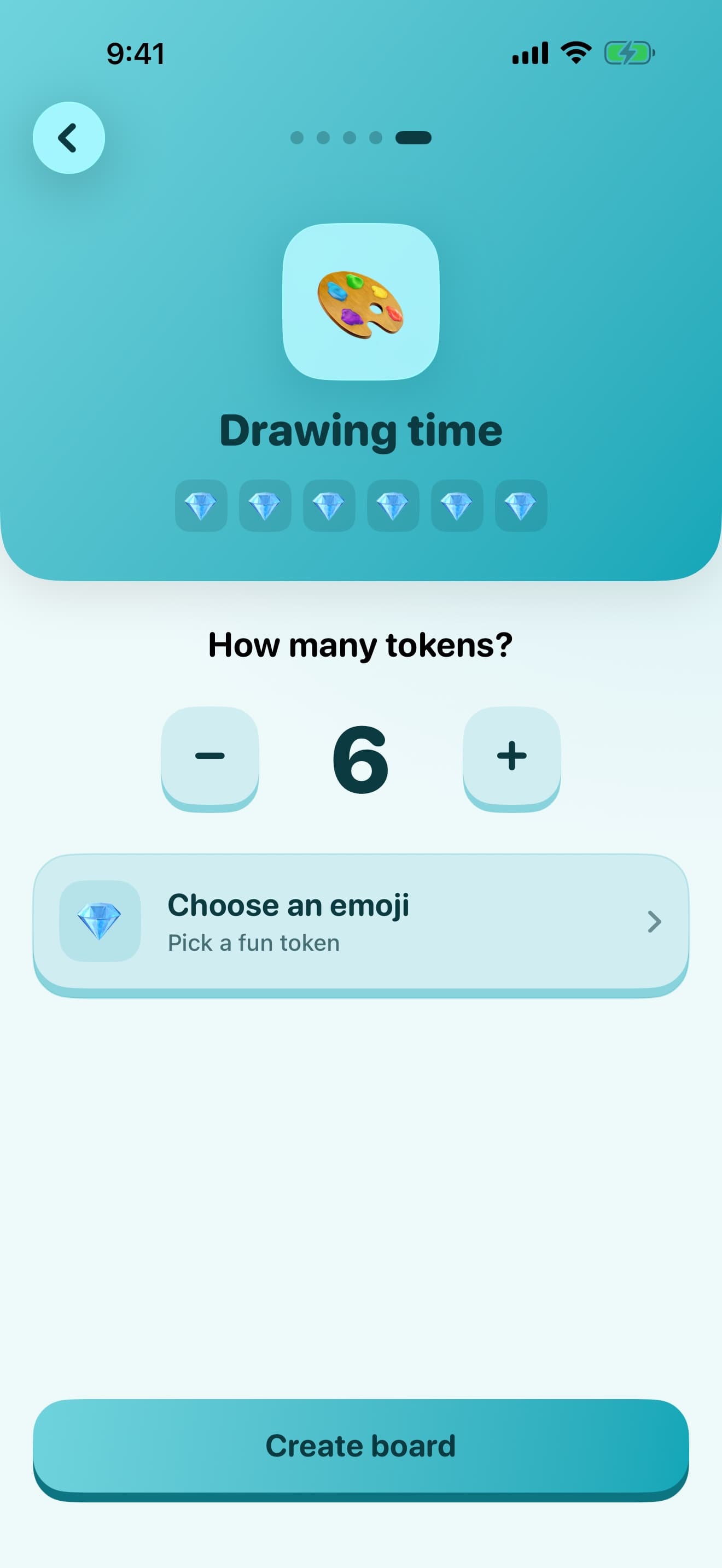
Customise
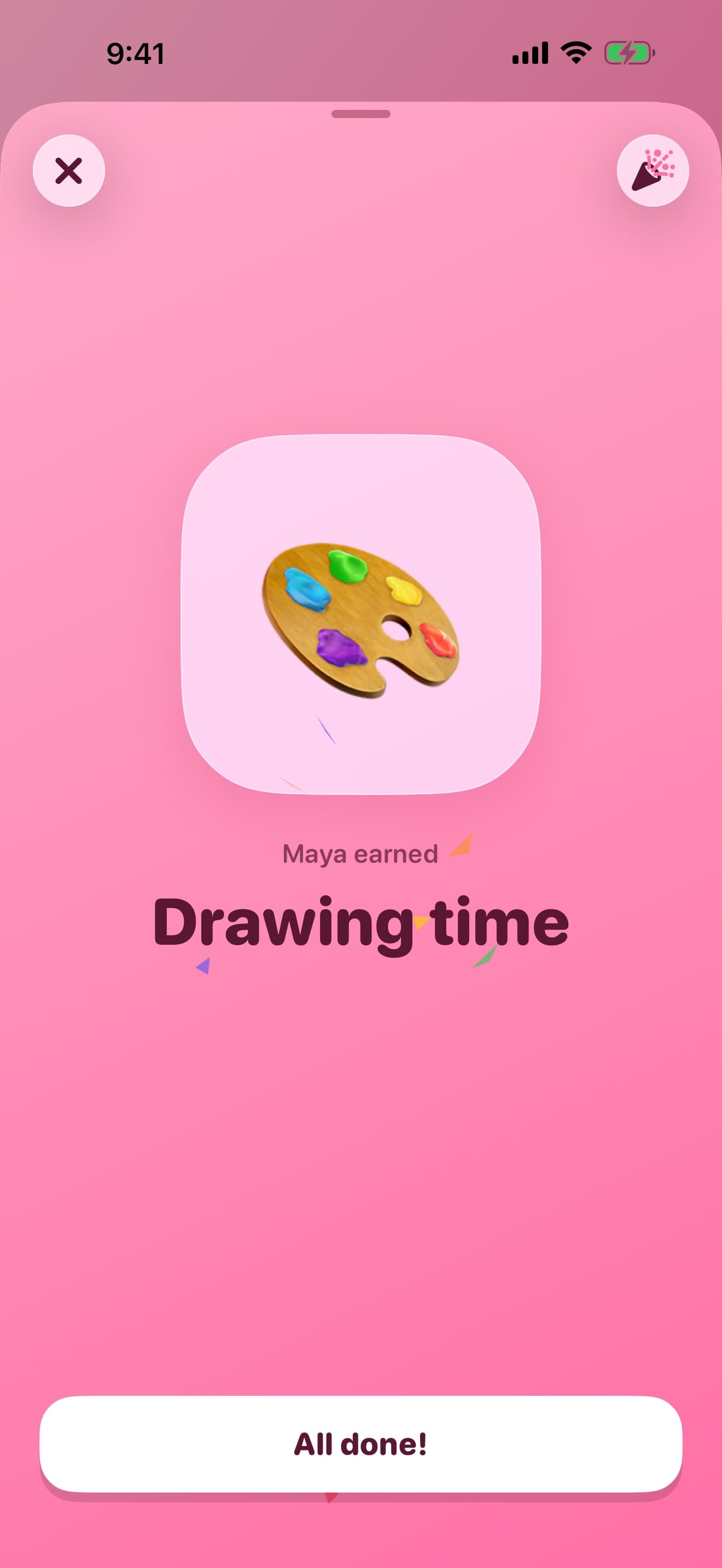
Reward earned
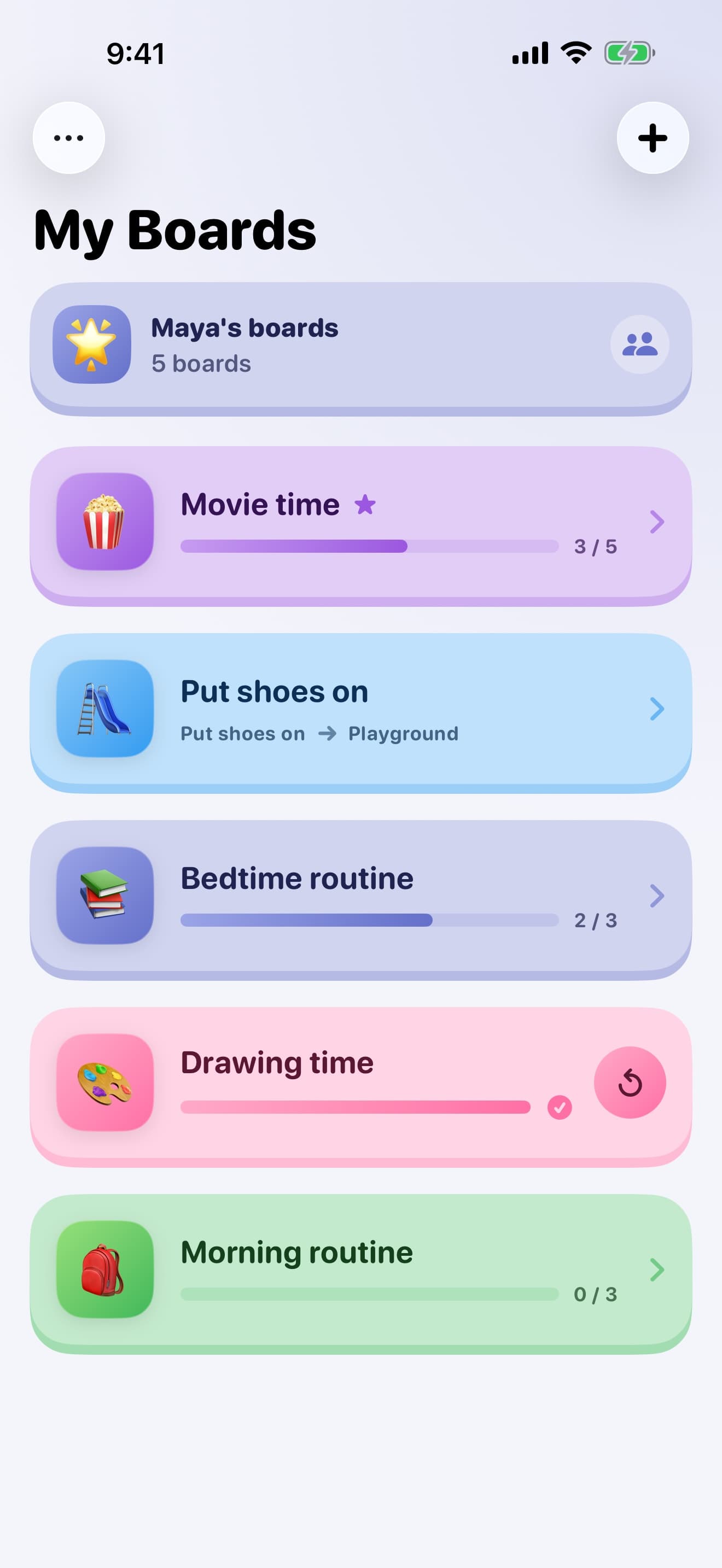
My Boards
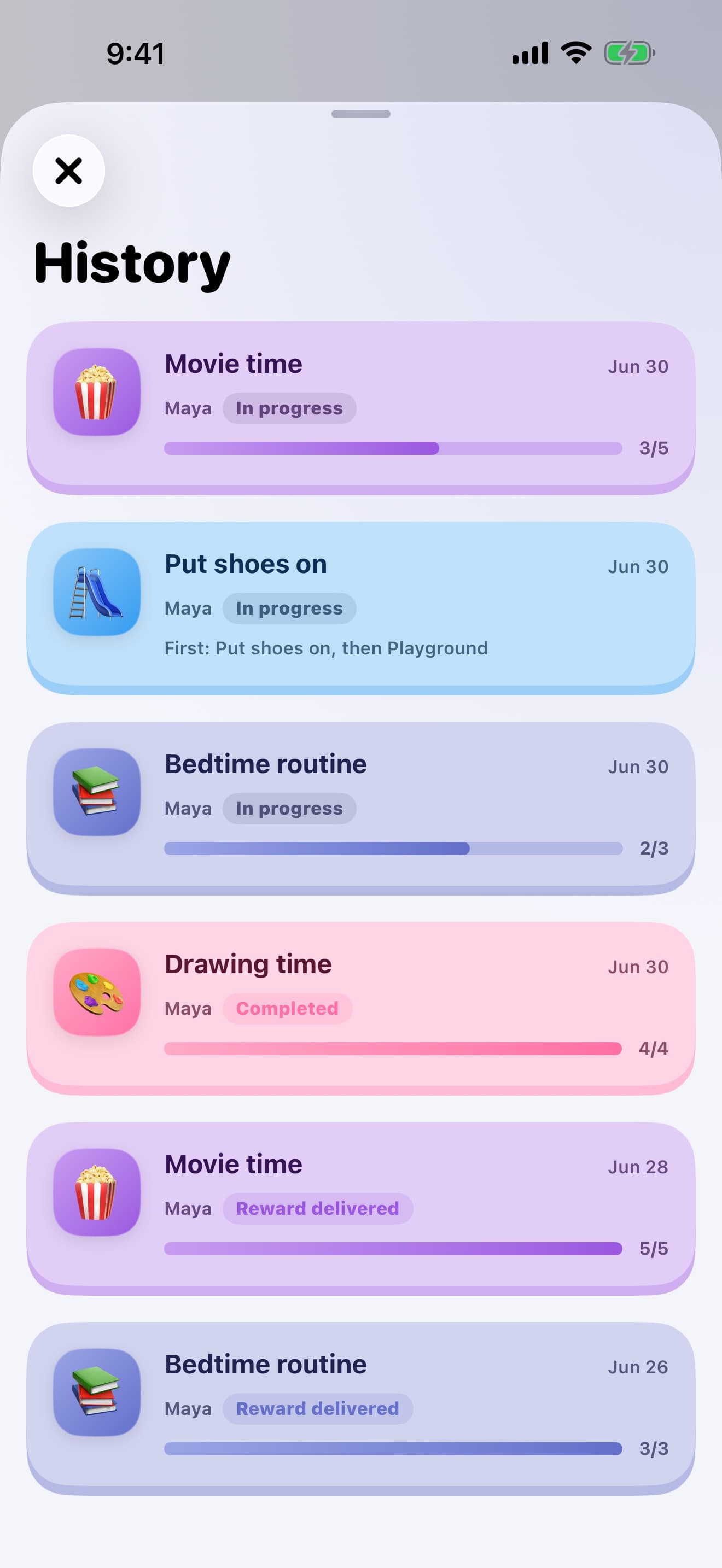
History
Private by default
Nothing leaves the device
You are entering a child’s name and photos of their favourite things. That belongs on your iPhone or iPad, not on someone’s server — so there is no server to put it on.
Read the full privacy policyNo account
Nothing to sign up for. Open the app and build a board.
No server
Boards, profiles, reward photos and history are stored on your device.
No ads, no tracking
No advertising, and no advertising identifiers, ever.
Works offline
A waiting room, a hallway, or the back seat of a car.
For people who do this all day
Serious enough for a caseload. Calm enough for a Tuesday evening.
Parents and carers
Bedtime, mornings, homework, meals, hygiene, errands, and the screen-time handover.
Teachers and aides
Centres, transitions, group work, and individual reinforcement plans on a classroom iPad.
RBTs and BCBAs
Quick session boards with light data capture, without a data-entry burden afterwards.
SLPs and OTs
Structure for table work and focus time that does not feel clinical to the child.
Questions
Do I need an account?
No. There is nothing to sign up for and no password to remember. Open the app and build a board.
Does it work offline?
Yes, entirely. Boards run without a connection, which matters in a waiting room, a hallway, or the back seat of a car.
Is it free?
The core board experience is free. Token Board Pro adds room for families, classrooms and practices that use boards every day, and comes as a monthly or annual subscription, or a one-time lifetime purchase. Prices are shown in the app before you buy.
How do subscriptions work?
Monthly and annual plans renew automatically through your Apple Account unless you turn off auto-renew at least 24 hours before the period ends. You can manage or cancel at any time in your Apple Account settings — deleting the app does not cancel a subscription. The lifetime option is a one-time purchase that never renews.
Does it work on iPad?
Yes. Token Board is built for iPhone and iPad, and the child-facing board is designed to be read across a table or a room.
Where is my data stored?
On your device. Boards, profiles, reward photos and session history stay in the app's local storage and are not uploaded to a Pixby server.
Is this a medical or treatment product?
No. Token Board supports positive reinforcement and visual structure. It is a practical support tool, not a medical, diagnostic or treatment product, and it does not replace professional judgement.
Build your first board before the next transition
Free to start. No account, no ads, and everything stays on your device.
Requires iOS 18. iPhone and iPad.